
Description
A powerful Lightroom toolkit with 70+ workflow presets designed to instantly improve your editing, simplify advanced techniques, and help you create better photos with confidence.
Lightroom Can Be Complicated, But Your Workflow Doesn't Have to Be
Editing doesn’t need to be overwhelming or complicated.
After teaching thousands of photographers through workshops, courses, and CaptureLandscapes, one thing has become very clear: most photographers don’t struggle with creativity; they struggle with execution.
That’s why I’ve created the Lightroom Toolbox, a complete set of workflow presets designed to simplify complex editing techniques, speed up your workflow, and help you create polished, professional-looking photos, even if you’re still learning Lightroom.
These aren’t “one-click looks.” They’re smart, handcrafted adjustments built from my 10+ years of professional landscape photography experience.
Why I Created This Toolkit
Over the years, I’ve watched photographers struggle not with vision, but with getting Lightroom to do what they want. Most tutorials are overwhelming. Most presets over-process. And most beginners feel stuck somewhere between “my photo looks flat” and “I don’t know what to adjust next.”
The Lightroom Toolbox solves that by giving you targeted, reliable tools for the things landscape photographers do most:
- Recover shadows
- Shape light
- Add depth
- Control color
- Balance contrast
- Enhance atmosphere
- Create separation
- Fix common exposure issues
The result?
You edit faster, more consistently, and with far less frustration.
What's Inside?
A complete creative toolkit built for real-world landscape editing.
The Lightroom Toolbox includes 70+ workflow-driven presets, each designed to perform one specific job extremely well. You simply click the tool you need, fine-tune the sliders, and continue your workflow.
You’ll get presets that help you:
Exposure & Tonal Control
Contrast & Depth
Color Control
Atmosphere & Light Shaping
Composition & Visual Flow
Fix-It Tools
LIFETIME Access - DOWNLOAD Now!
Included Resources to Help You Get Started
Learning a new workflow can feel overwhelming, so the Lightroom Toolbox comes with everything you need to feel confident from day one.
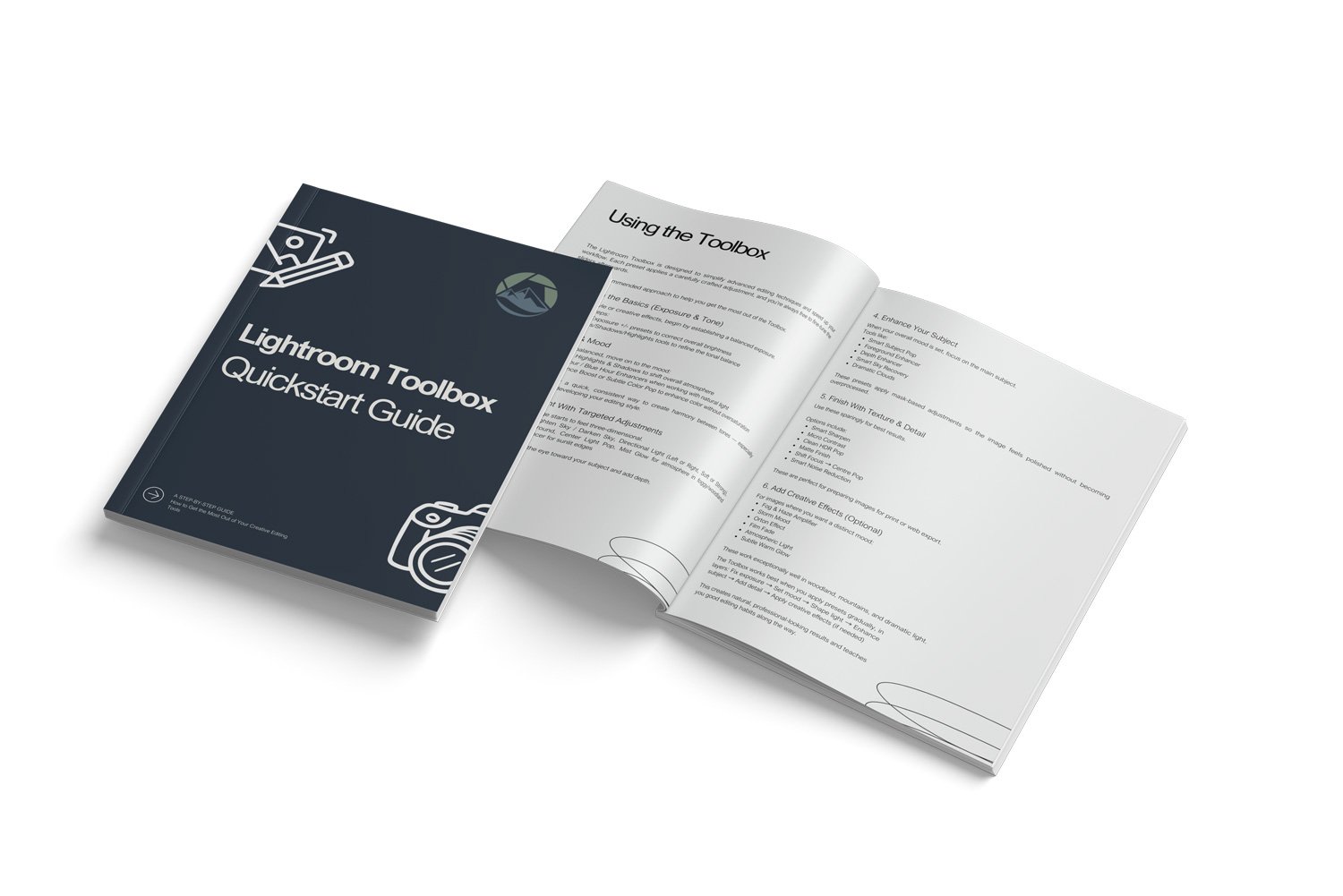
✔ Quickstart Guide (PDF)
A beautifully designed 16-page guide that walks you through how the Toolbox works, how to combine tools effectively, and how to get the most out of the presets, even if you're brand new to Lightroom.
✔ Installation Guide
Clear, step-by-step instructions for installing the presets in both Lightroom Classic and Lightroom CC. No guesswork, no frustration.
✔ Preset Reference Guide
A quick overview of every preset in the Toolbox, and what they do.
✔ “How to Use the Toolbox” Video
A short, practical demonstration showing exactly how to use the tools in a real editing workflow. Perfect for visual learners and those who want to see the presets in action before diving in.
These resources turn the Lightroom Toolbox into more than a preset pack; it’s an easy, guided workflow you can start using immediately.
Example Workflow Video
Have a look at this video to see exactly how the Lightroom Toolbox can be used to transform an image:
Who is the Lightroom Toolbox For?
The Lightroom Toolbox is made for photographers who want to edit with confidence, without spending years trying to understand every little slider in Lightroom.
It’s especially helpful if you:
- Are a beginner or intermediate photographer who finds Lightroom overwhelming
- Prefer a clean, consistent workflow rather than random slider pulling
- Want to apply advanced techniques (directional light, mask-based adjustments, depth creation) but don’t fully understand how
- Want your images to look polished and intentional, not overprocessed
- Feel stuck with flat, dull, or “almost good” files
- Want to speed up your editing without sacrificing quality
If any of this sounds like you, the Lightroom Toolbox will change the way you approach post-processing.
Who is the Lightroom Toolbox NOT For?
I want this to be the right fit for you.
The Lightroom Toolbox may not be for you if:
- You already have a deep understanding of Lightroom and prefer doing everything manually
- You expect one-click presets that completely stylize your photo (this toolbox is designed for precise adjustments, not dramatic “Instagram presets”)
- You are looking for a specific artistic “look” (moody, cinematic, teal & orange, etc.)
- You primarily edit portraits or weddings
This collection is a toolset, not a shortcut to avoid learning. It helps you learn faster, edit smarter, and apply advanced techniques with ease. But it still expects that you care about your craft.
Why This Toolbox is Different From Normal Presets
Most Lightroom presets try to give you a finished “look.” The results vary wildly depending on camera type, scene, and lighting.
The Lightroom Toolbox works very differently. Here's how:
It's Built to Be Stackable
You layer presets intentionally, shaping exposure, color, depth, and light, step by step, just like professional editors do.
Everything is Transparent and Educational
Each preset teaches you what is being adjusted. You'll understand why your image changes, not just how.
Built From 15+ Years of Real-World Editing
These aren't random slider moves. They are the exact adjustments I use every day in my own workflow, and in my teaching during photo tours and workshops.
Designed for Landscape Photographers
Most preset packs try to fit every genre. This one is built from the ground up for landscapes, nature, and outdoor images.
Helps You Develop Your Own Style
Instead of forcing a baked-in look, the Toolbox supports your creative intentions. You stay in control; the preset simply helps you get there faster.
LIFETIME Access - DOWNLOAD Now!
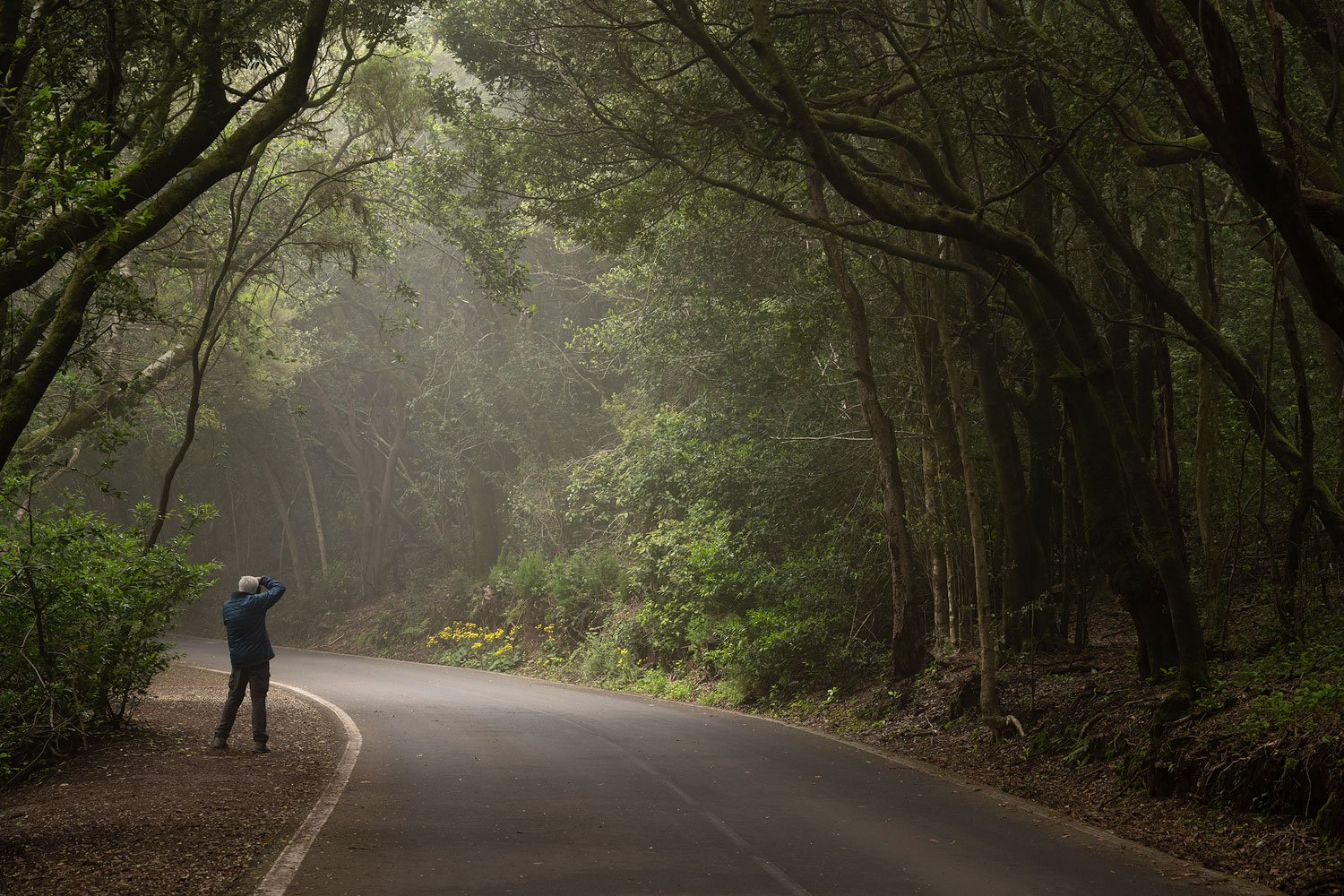
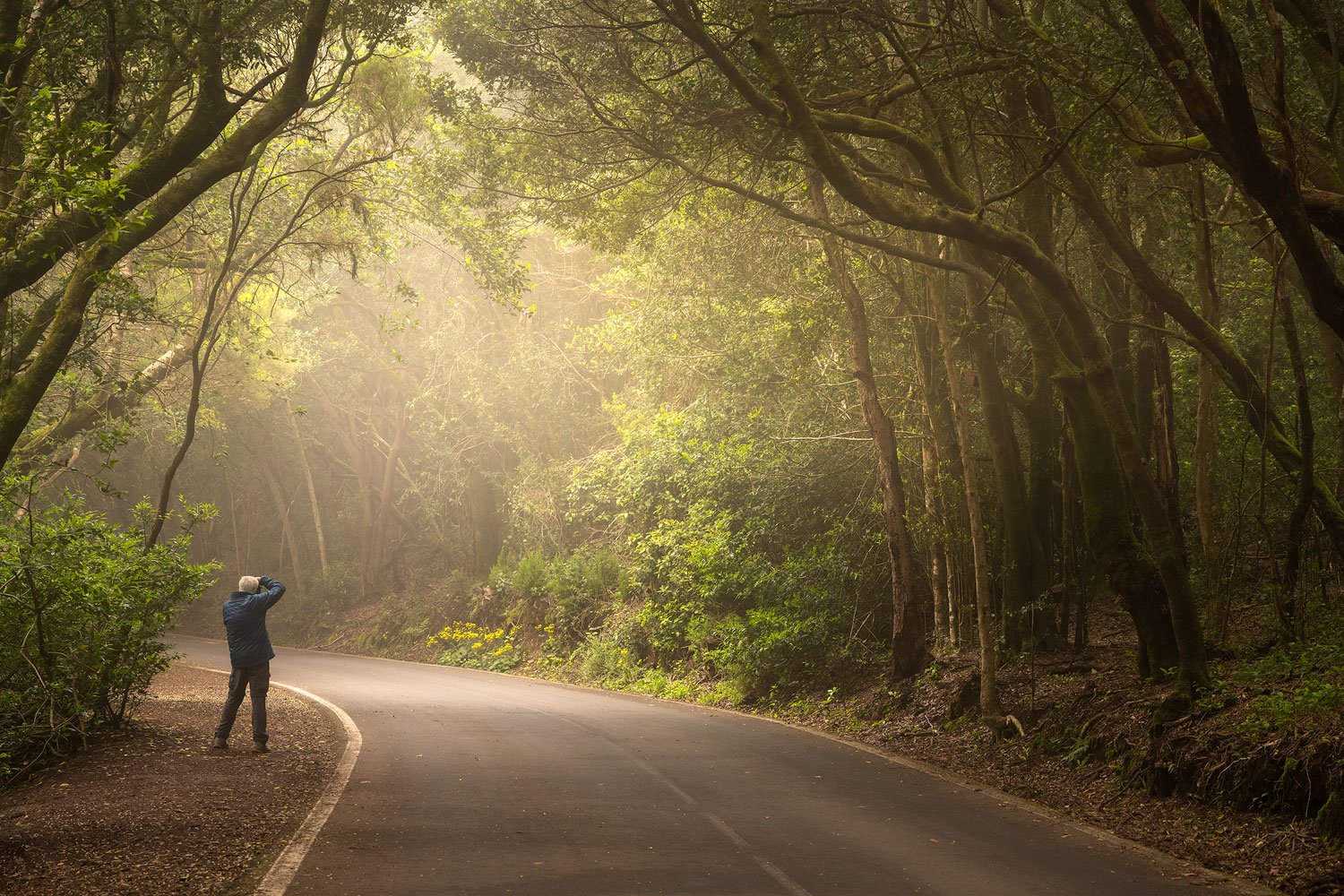
Before and After Examples
These before and after examples show how to Dramatic Landscapes presets can be used to instantly transform your images.
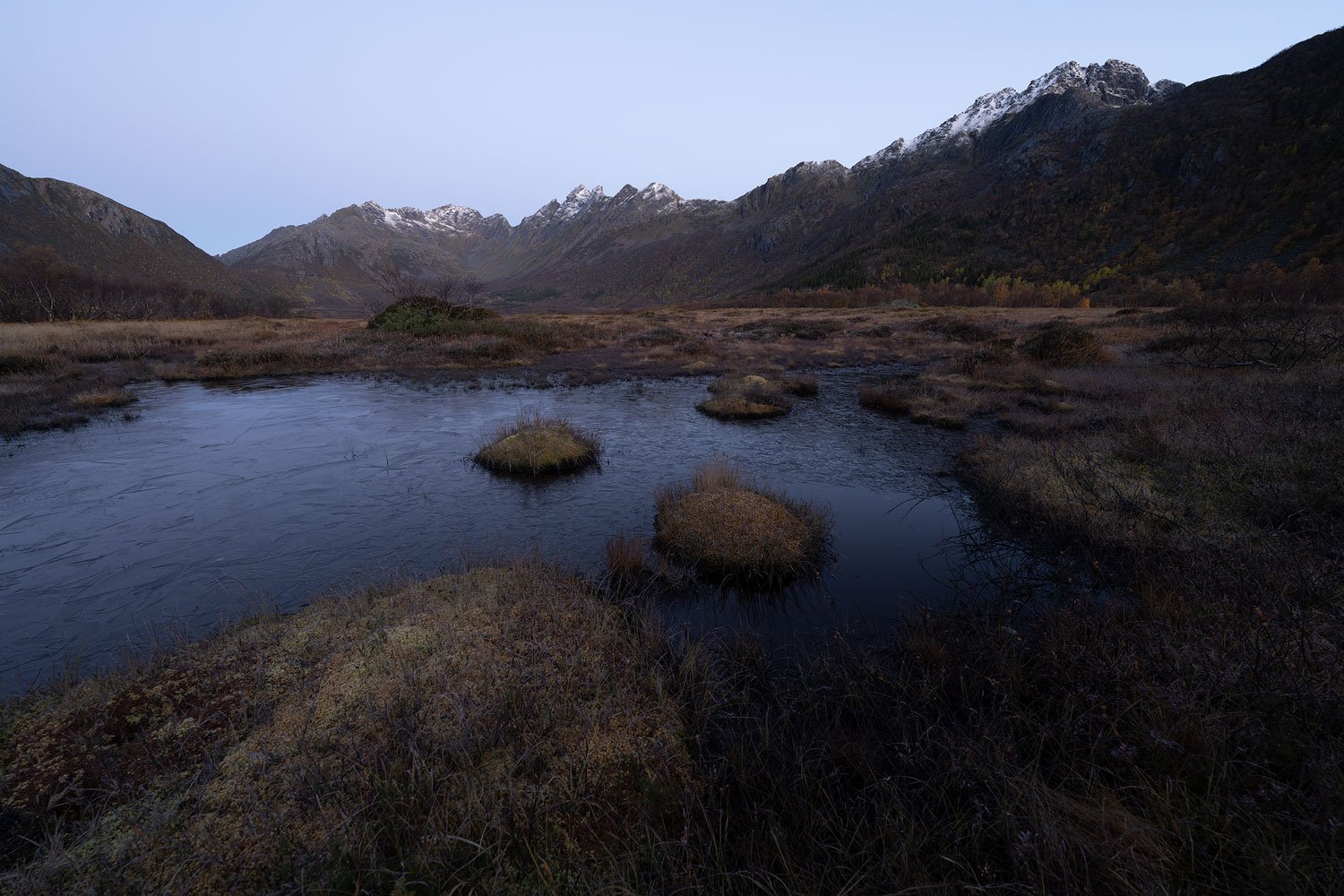
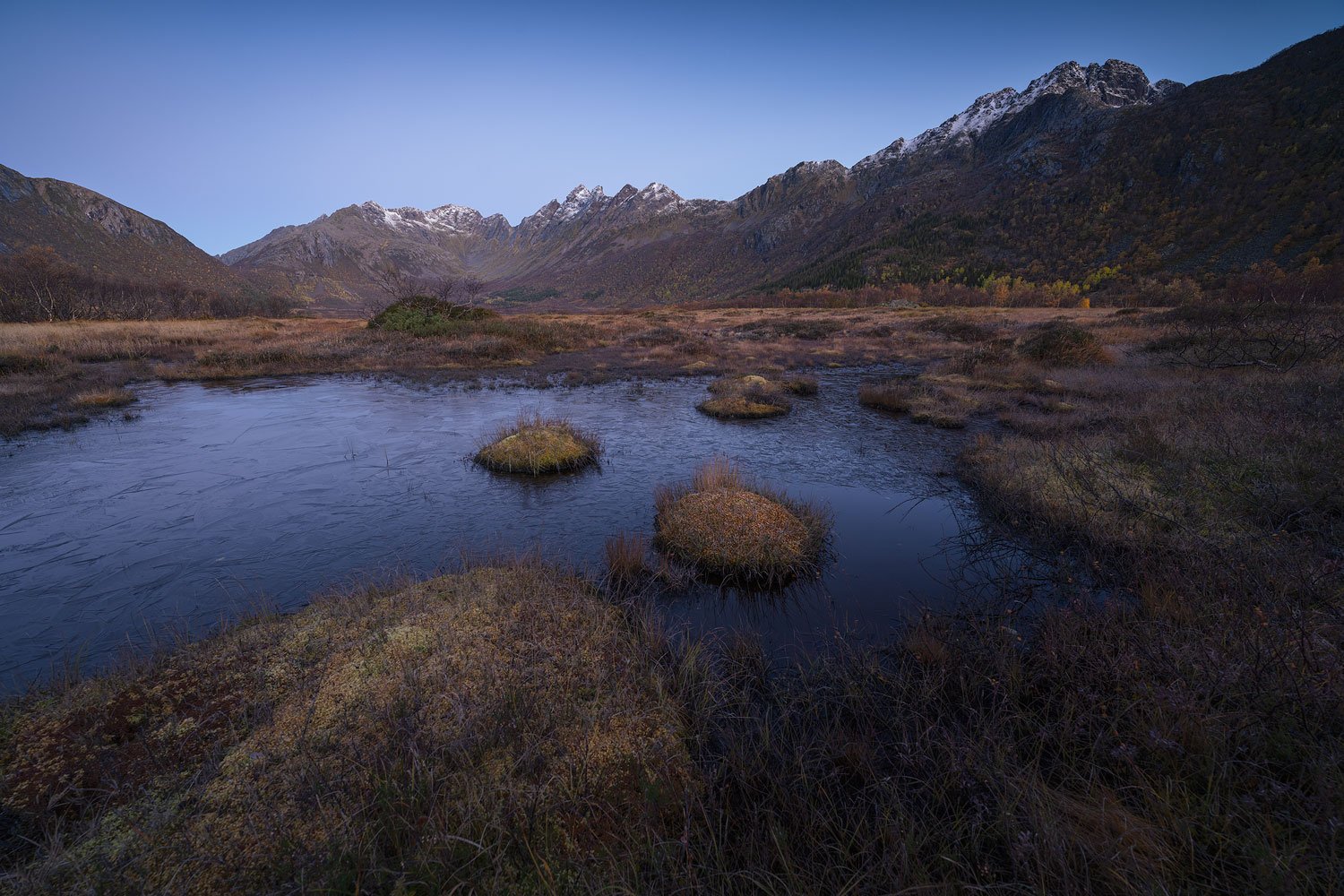
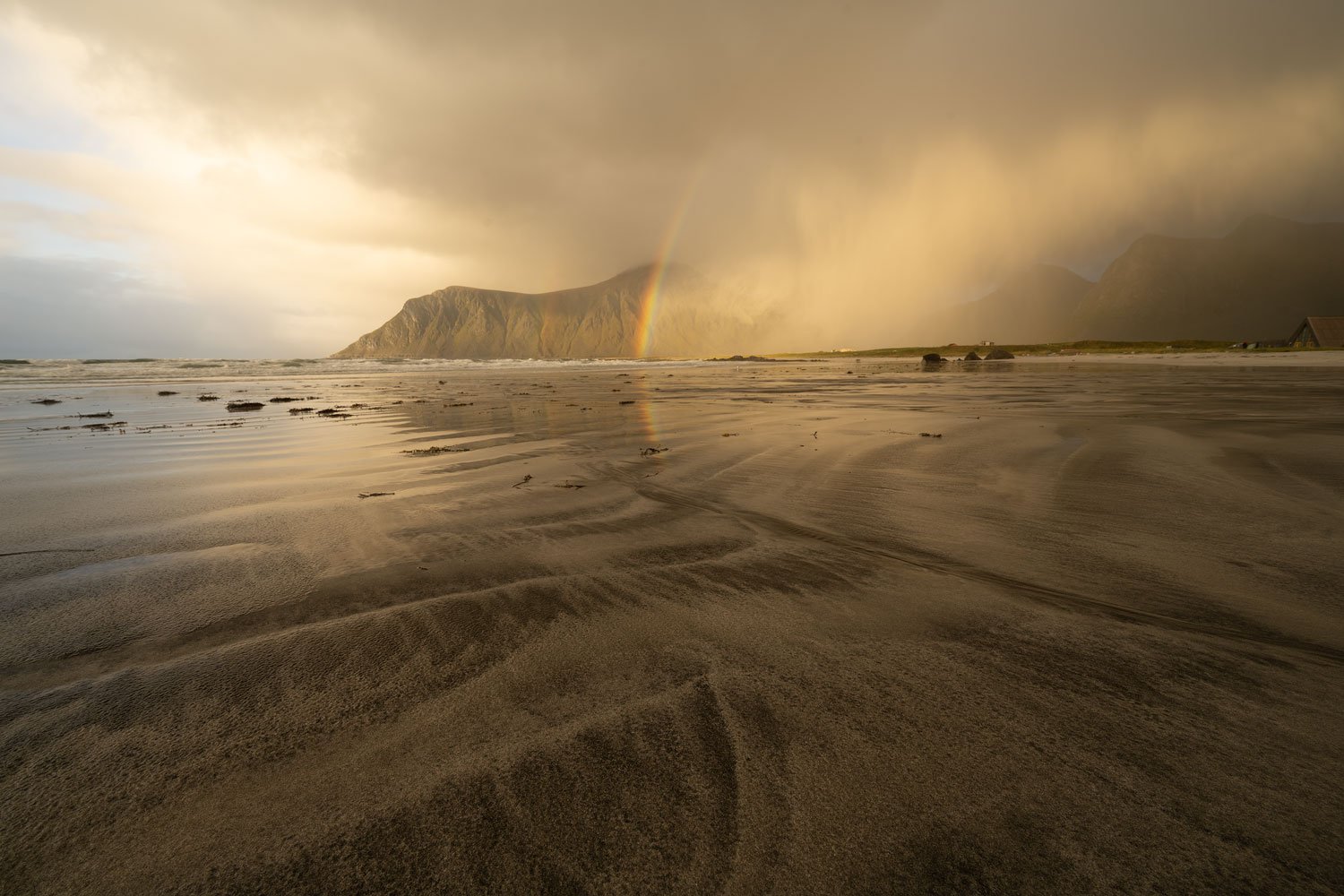
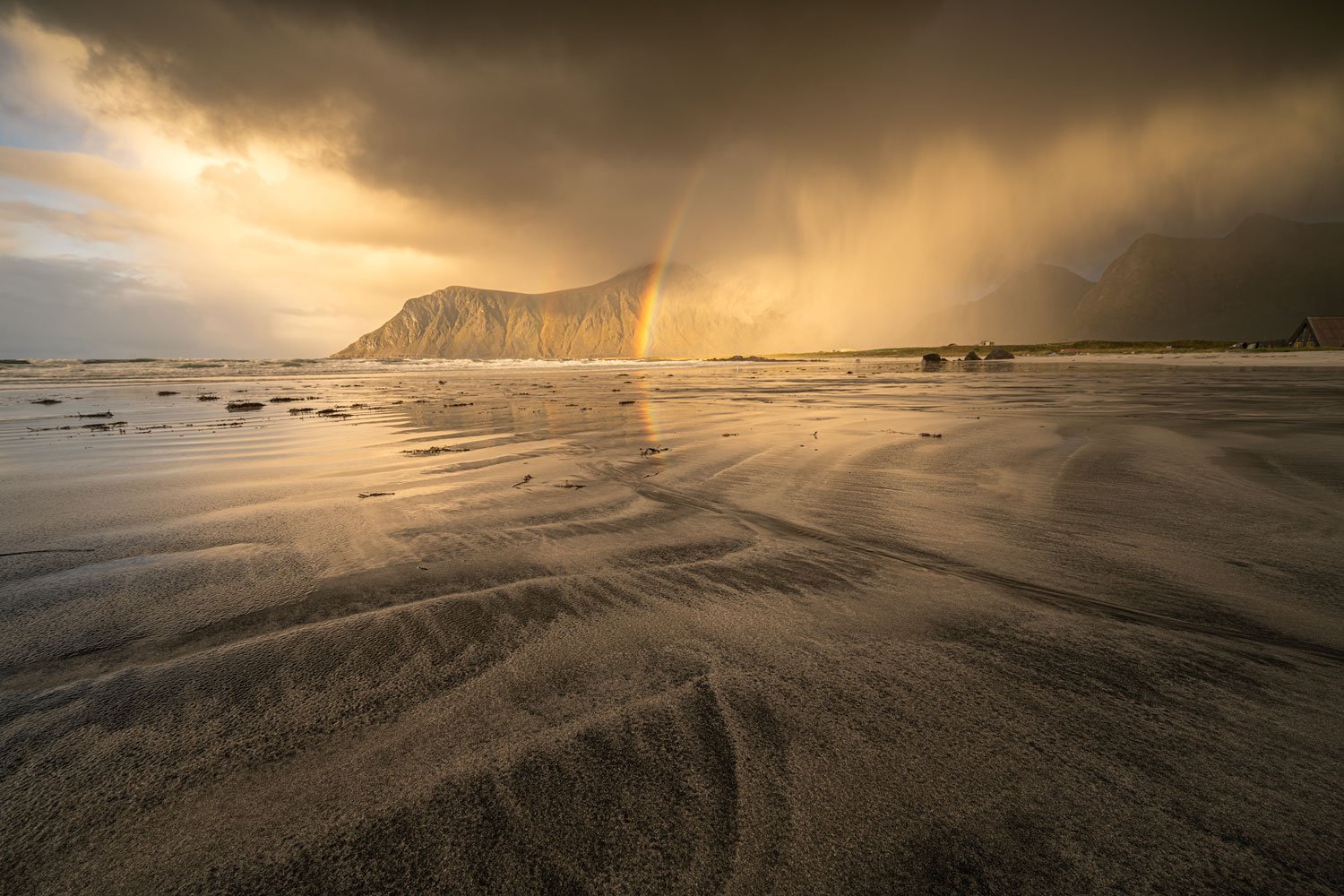
Compatibility
The Lightroom Toolbox presets is compatible with Lightroom Classic CC 7.3 and newer, as well as Lightroom CC and Lightroom Mobile. It's always recommended to keep your Lightroom version up to date to take full advantage of all the included masks and tools. The presets work on both Mac and PC and can be applied to any RAW or JPG image.
The Lightroom Toolbox presets make post-processing easy and fun. Why spend hours trying to edit an image when you can do it with just a few clicks? Are you ready to make your images stand out?


Steve Kirk –
I don’t consider myself a Lightroom beginner and I never thought that I need presets, but I tried out the Capture Landscapes Lightroom Toolbox – the price is very competitive, so it was worth a try – and I’m impressed. Using the Toolbox I even see improvements to photos I thought I had processed well.
The Lightroom Toolbox is very well documented and simple to use. It is also an elegant solution that allows the stacking of presets. (I have tried out other presets that just end up cancelling each other out.) Fine tuning the results of the presets is also easy. The range of presets in the Toolbox is well thought out and covers just about everything a landscape photographer might need. I’m sure that the Lightroom Toolbox is an ideal tool for Lightroom beginners, but intermediate LR users like me can also learn a lot from the Toolbox by looking at the changes the presets make and the results in the photo. It’s a way of tapping into the know-how that has gone into the Toolbox.
I recommend the Capture Landscapes Lightroom Toolbox not only to Lightroom beginners, but also to intermediate users, and, at this price, it offers excellent value for money.